
Noble*Direct Utilizes a comprehensive workflow feature called Flow…
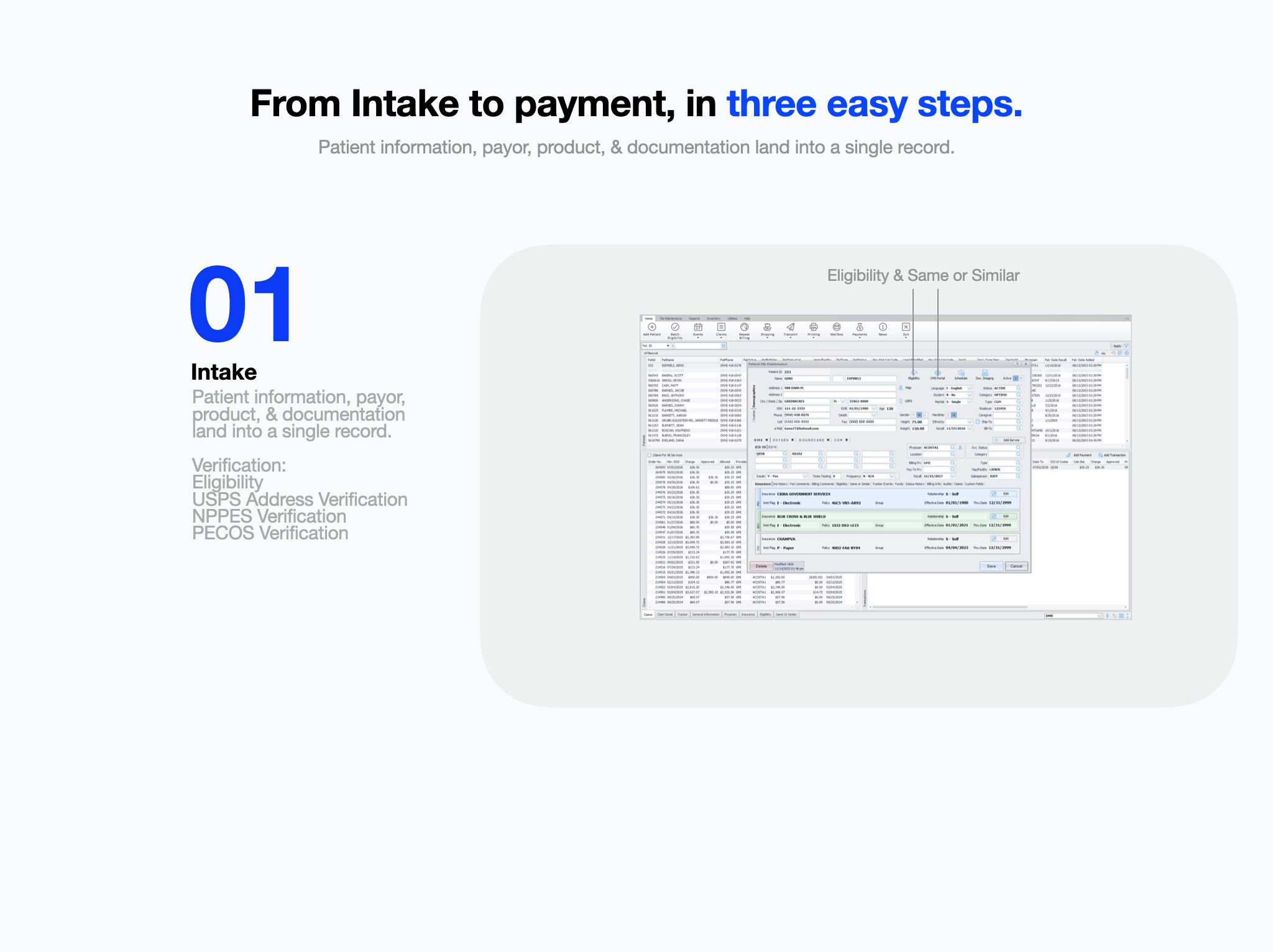
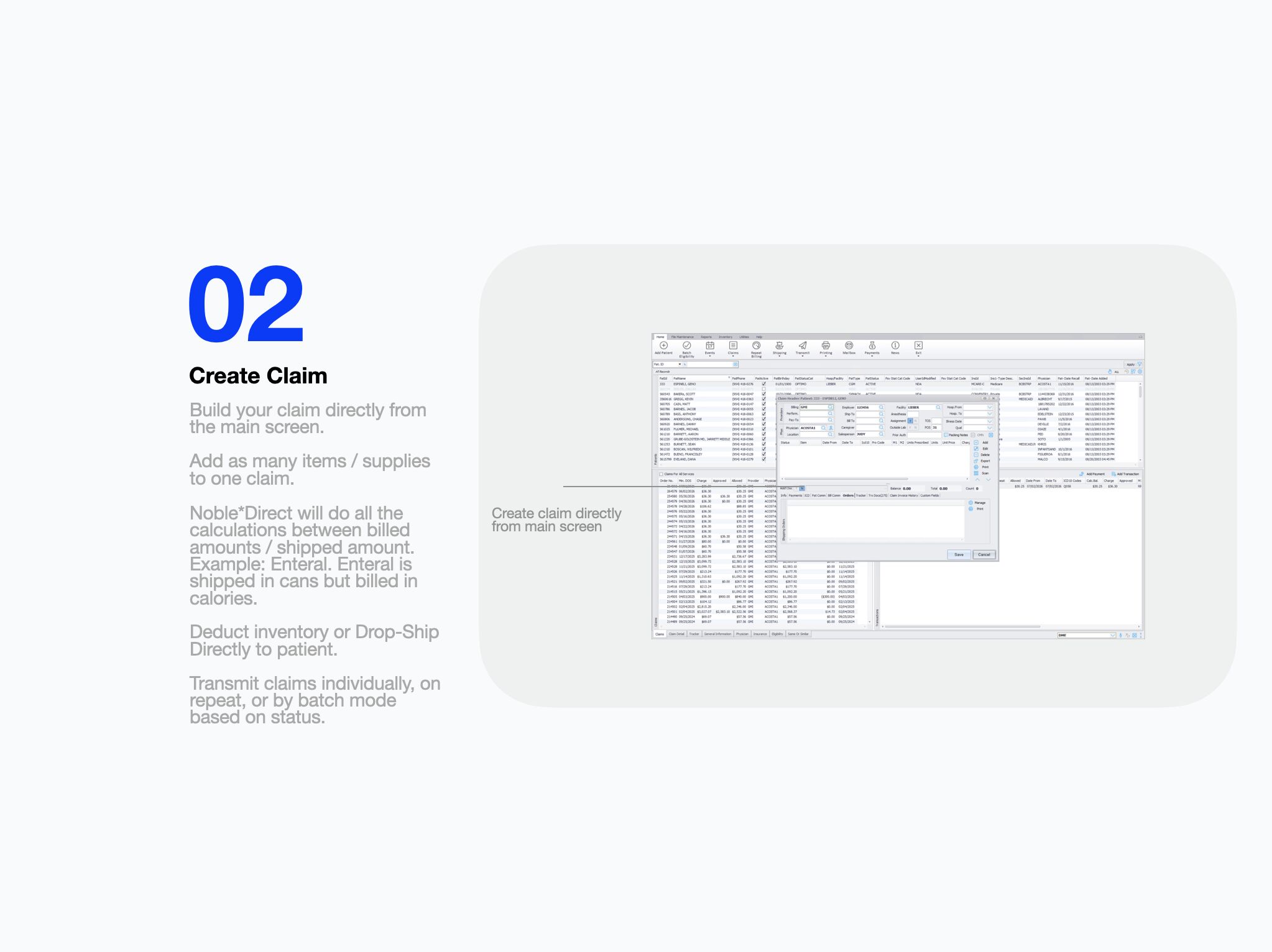
Noble*Direct Utilizes a comprehensive workflow feature called Flow Control. Flow Control allows DME providers to create a workflow on the claim & patient level. You can think of the patient level of how you manage your patients and their cycles & you can think of the claim flow control on how you handle your individual claims. ➔ Build your workflow based on statuses ➔ Users go down the workflow path to ensure every business rule is met under each status. ➔ Providers can lock down the flow control or keep it open. If you lock it down it will not let users move on to the next status until business rules are met. ➔ Users, Managers, Executives can then filters / sort / report based on the workflow statuses. From Intake to Payment in 3 easy steps 1. Intake ➔ Patient Information, payor, product, & documentation all land into a single record on one screen. ➔ Verify eligibility, USPS Address verification, NPPES, & PECOS to ensure all data is correct & active. 2. Create Claim ➔ Build your claim directly from the main screen. ➔ Add as many items under one claim. ➔ Noble*Direct will automatically calculate difference between shipped & billed quantities. Example: Enteral is shipped in cans and billed in calories. ➔ Deduct inventory & manage shipping through Noble*Direct or drop-ship directly to patient. ➔ Transmit claims individually or in batch mode based on workflow status. 3. Payment & Collections ➔ Auto-post payments ➔ Collect patient balances by integrated credit card processing within Noble*Direct or by patient eInvoices via RevSpring. Learn more www.nobledirect.com

Stay up to date with Noble House
Billing guidance, product news and what is moving in the industry. A few emails a month, no more.